Why use it
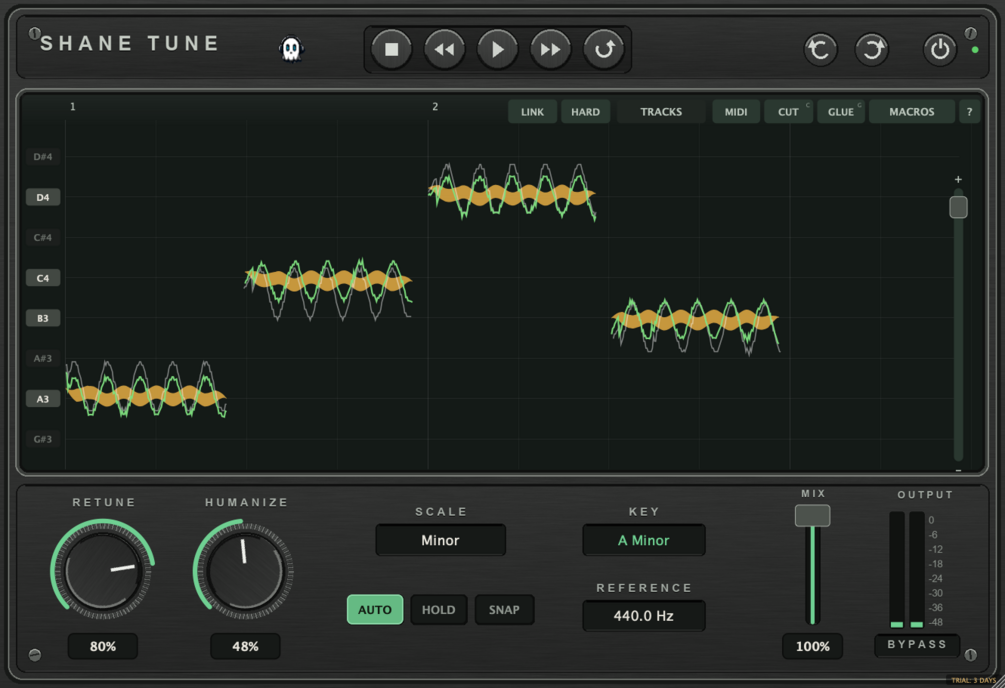
What it doesGraphical note editing for vocals - notes appear as blobs you can drag, cut, glue and stretch.
Reach for it whenComping and tuning a lead. Fixing timing on a double. Building harmonies from one take.
What makes it differentPitch, timing, formant and level are separate per note. A second instance aligns a double to the lead. MIDI export of the detected notes.
September sale: 30% off until September 30 - use code SEPT30 at checkout.
Graphical note editing for vocals — play the track once, and the notes appear as blobs you can drag, cut, glue, and stretch.
Pitch, timing, formant and level are separate per note. Key detection is automatic, and a second instance can align a double to the lead.
CONTROLS
· Drag notes to retune · CUT and GLUE to resplit
· Time stretch by dragging note edges
· Per-note formant and level
· MACROS for pitch, modulation, drift and timing at once
· HARD tab for a snapped, hard-tuned pass
· TRACKS to align doubles to the lead take
· MIDI export of the detected notes
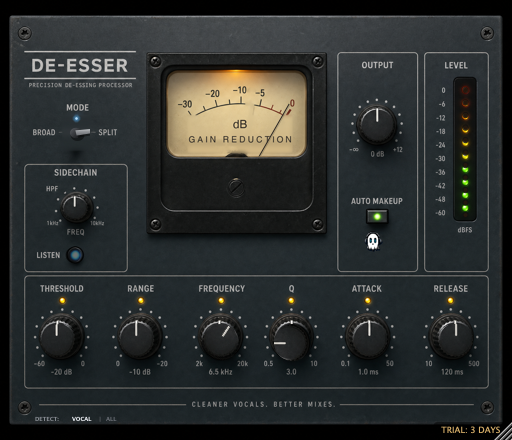
· Sibilance handling and chord grid
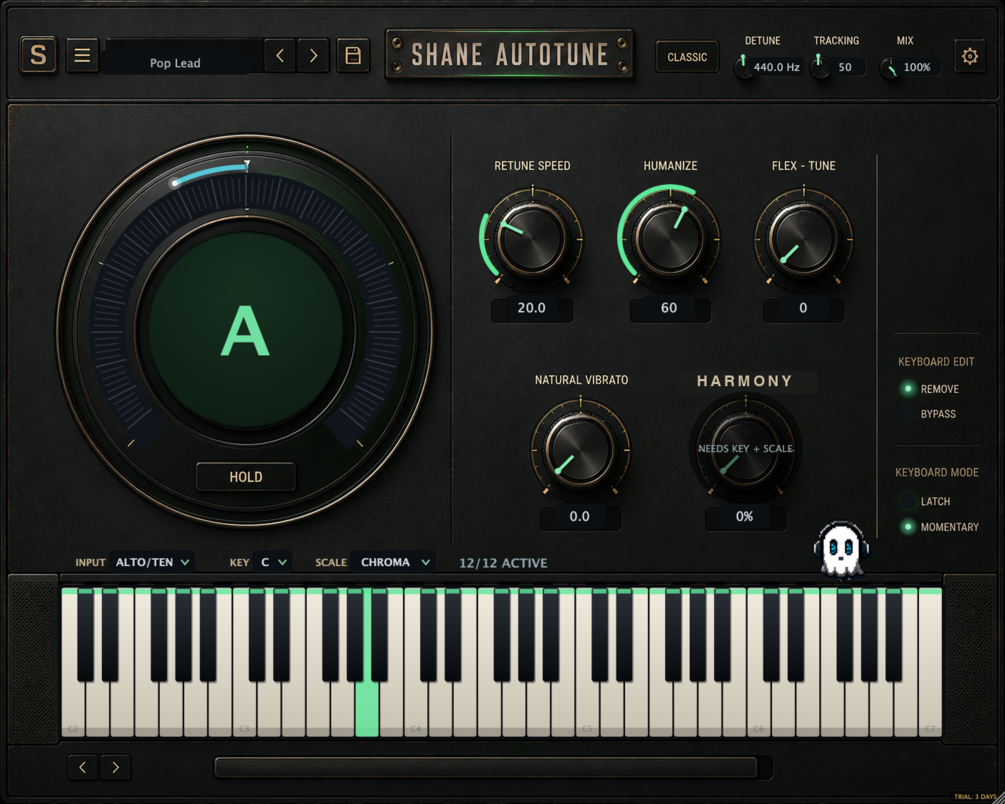
· RETUNE · HUMANIZE · SCALE · KEY · REFERENCE · MIX
WHAT'S NEW IN 1.6
· Rebuilt, re-signed and notarized for macOS (Universal) and Windows
REGISTRATION
· The plug-in runs unrestricted for a 3-day trial from first launch.
· Your licence key is on your Gumroad receipt and download page.
· Paste it into the plug-in once — it needs internet that one time, then works offline.
· Message me on Gumroad if you need it reset for a new machine.
FORMATS
macOS AU + VST3 + AAX (Pro Tools), Universal (Intel + Apple Silicon)
Windows VST3 + AAX (Pro Tools), 64-bit
INSTALL — WINDOWS
1. Unzip.
2. Copy the .vst3 to C:\Program Files\Common Files\VST3
3. Restart your DAW and rescan plugins.
INSTALL — macOS
1. Open the .pkg installer and follow the prompts.
2. Pick the formats you want (VST3 / AU / AAX).
3. Restart your DAW and rescan plugins.
Signed and notarized by Apple — no Terminal, no security workaround.
The installer asks for your admin password because the plug-ins go to /Library/Audio/Plug-Ins (available to every user on the Mac).
Stuck, or something sounds off? Message me — I answer every one.
UPDATES
Buy once, updated forever. Every future build is free to you — Gumroad emails you when there is a new one. No subscription, no upgrade fee.
FOLLOW ALONG
New plugins and what goes into them: